Relations which
leads to success
HISTORY Vision is a specialized system designed for use by clients of HISTORY Group. To log in, use your username and password. If you have lost your credentials or QR code required for correct operations of HISTORY Authenticator application, please contact technical service:
+971 4 887 64 62
Step 1
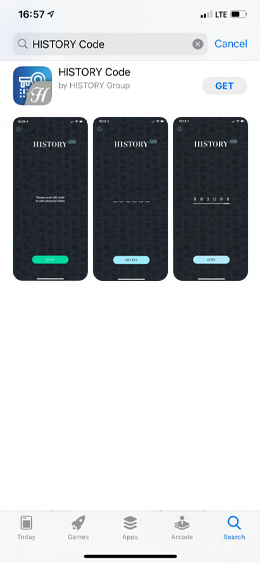
Find the HISTORY
Authenticator app
Open App Store (iOS)
Or Google Play (Android)
In the search bar find HISTORY Authenticator
Step 2
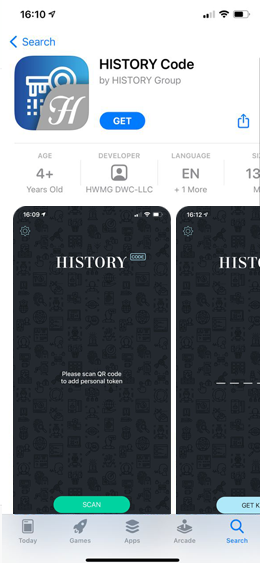
Download the HISTORY
Authenticator app
Press GET button and, after it has been installed, open HISTORY Authenticator on your phone
Step 3
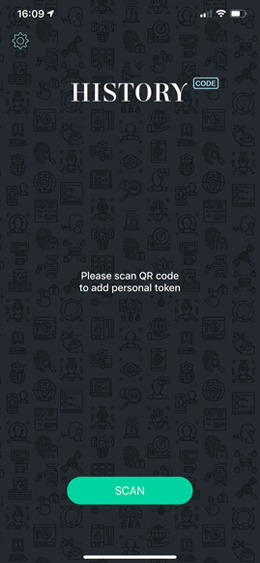
Scan your QR code
Press SCAN button and to successful integration move the phone camera to the QR code
 QR is a matrix barcode. You can find it in your Welcome Pack received from HISTORY Group
Step 4
Get the authentication key
Press GET KEY button
Step 5
Authentication code generated
In the Authentication code line enter on the screen displayed numbers
 NB! Please pay attention to not using the trash icon- by pressing it your QR code will be deleted!